Media management
One master image. Every variant, from the URL.
Image optimisation is included in every CDN deployment, free tier included.
Try it
Change the URL, change the image
- Served as
- AVIF*
- Est. size
- 20 KB
- vs 1.9 MB master
- −99%
Illustrative preview: the drawing stands in for your image and sizes are estimates, which vary with the picture. *AVIF for browsers that accept it, then WebP, then JPEG.
The problem
Image pipelines are a job nobody wants
- 01
Every template change means re-rendering the library
Sizes live in the URL, not in storage. A new layout is a new query string, generated on first request.
- 02
Phones download desktop-sized JPEGs
Request the width you'll display and let
format=autopick AVIF, WebP or JPEG for each browser. - 03
Storage fills up with near-identical copies
Keep one master. Variants are cached at the edge, so you store and manage a single file.
- 04
Image views drive the bandwidth bill
Delivery is $0 egress from 2,206 locations, and image optimisation adds no fee on top.
How it works
Transformed at the edge, then cached
Caching
The first request transforms. Every other one is a HIT.
- Each variant is cached on its own URL
- Default quality and format per deployment, overridable per path
- Purge to regenerate after changing defaults
Formats
One URL, the smallest format each browser can read
format=auto, the edge reads each browser's Accept header and serves AVIF where it's supported, then WebP, then JPEG. Your markup keeps a single URL per size.- JPEG, PNG, WebP and AVIF in and out
- Animated GIFs resized with every frame kept
- LQIP placeholders as an image, base64 or BlurHash
Protection
Brand what you publish. Keep the originals private.
- Position, size, opacity and margin per domain
- Thumbnails below a minimum width stay clean
- Private buckets refuse unsigned requests
Reference
Every parameter, on one screen
| Parameter | What it does | Example |
|---|---|---|
width | Target width in pixels | width=800 |
height | Target height in pixels | height=600 |
fit | cover, contain, fill, inside or outside | fit=cover |
format | auto, avif, webp, jpeg or png | format=auto |
quality | Compression, 1–100 (default 80) | quality=75 |
blur | Gaussian blur, 0.3–1000 | blur=10 |
sharpen | Sharpen the image | sharpen=true |
grayscale | Convert to greyscale | grayscale=true |
lqip | Tiny placeholder: image, base64 or BlurHash | lqip=blurhash |
Use cases
Wherever images outnumber the people making them
E-commerce
Listing thumbnails, zoom views and cart images from one product photo.
?width=400&height=400&fit=coverMedia & publishing
Hero images, article thumbnails and social cards from a single upload.
?width=1200&height=630&fit=coverUser uploads
Users upload straight to Storage with a presigned URL; every view is resized and converted on the way out.
?width=800&format=autoCampaigns
New crops and sizes for a test or a channel, without going back to design.
?width=1080&height=1080&fit=cover
Recommended products
Three products behind every image URL
Case study: Digital art

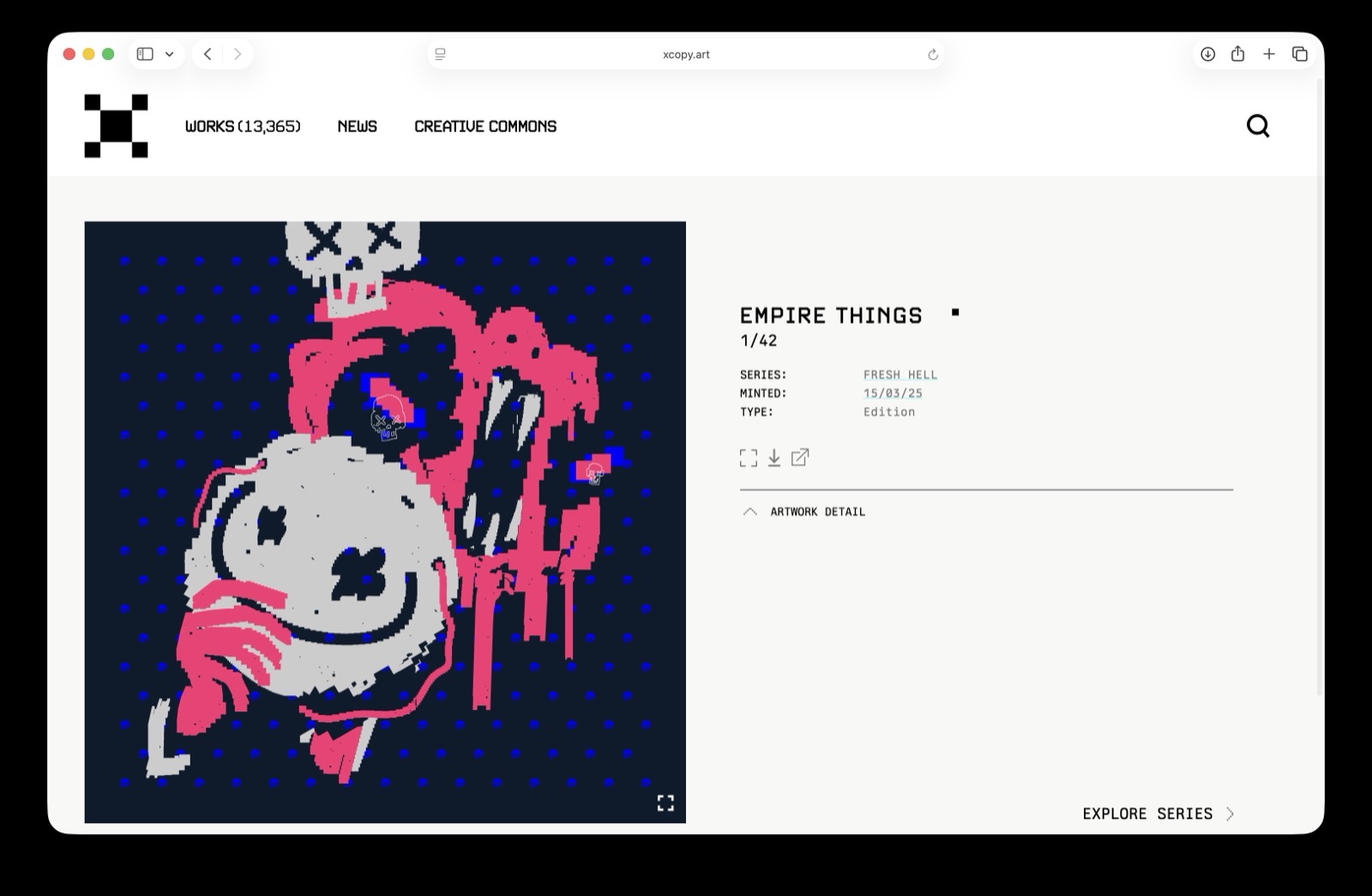
How XCOPY serves high-resolution art to collectors worldwide
XCOPY's artwork has sold for millions, and full-resolution pieces can run to hundreds of megabytes. Collectors expect them to open instantly, wherever they are, and slow loads far from the origin were costing sales.
The files now sit in Edge Storage and are cached at 2,206 locations, so a collector in Tokyo gets the same experience as one in London, and the large files carry no egress bill.
FAQ
Before you retire the resize script
What does image optimisation cost?
Which formats can I upload?
I changed the default quality. Why do old images look the same?
Do I need to change my origin or my markup?
Stop pre-rendering images
Point a CDN deployment at your images and start adding parameters. Every variant, cached at the edge, with nothing to pay for bandwidth.
Free to sign up. Nothing on Edge silently starts billing.