Compute documentation
Virtual machines documentation
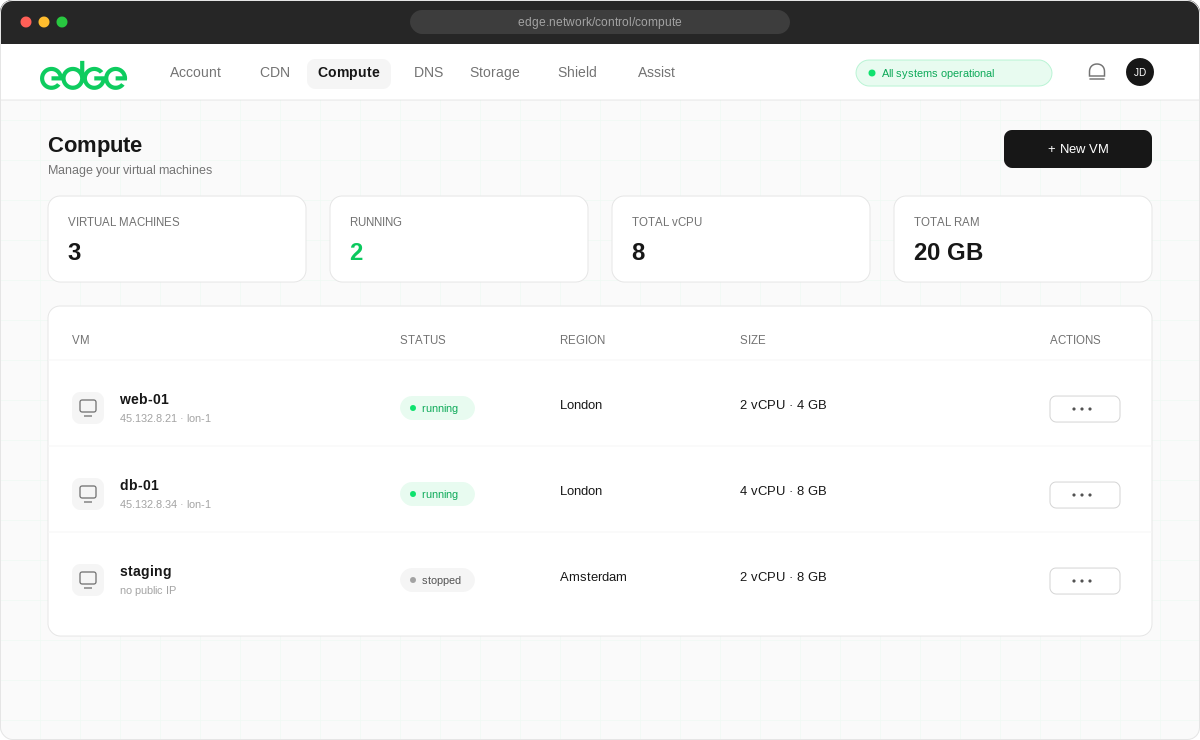
Deploy and manage powerful virtual machines across 20+ global regions. From simple web servers to complex multi-tier applications.
Key features
- 20+: global regions
- <60s: deployment time
- $0: egress fees
In this section
Deploy your first VM
Deploy your first virtual machine on Edge Network in under five minutes: add an SSH key, create a VM and connect to it over SSH.
Creating virtual machines
A complete guide to creating VMs on Edge Network: choosing a region and operating system, sizing resources, selecting SSH keys and advanced options.
Managing virtual machines
Learn how to manage your VMs on Edge Network: start, stop, restart, suspend, resize and delete virtual machines, and open the browser console.
Networking
Learn about VM networking on Edge Network: public IPs, additional IP addresses, private networks between VMs, bandwidth usage and IPv6 support.
Firewall
Configure firewall rules for your VMs on Edge Network. Use security groups to control inbound and outbound traffic with a default-deny model.
SSH keys
Manage SSH keys for secure, password-less access to your VMs on Edge Network. Learn how to generate, add, use and remove SSH key pairs.
Startup scripts
Automate VM setup with startup scripts. Use pre-built Edge library scripts or write your own to install software and configure services on first boot.
Backups
Learn how to create and manage backups for your VMs on Edge Network, including snapshots, restoring to a previous state, limits and pricing.
Monitoring
Monitor your VMs on Edge Network with built-in metrics. Track CPU, memory, disk and network performance in real time and over 30 days of history.
Something unclear or out of date? Tell us, or read this page as Markdown.